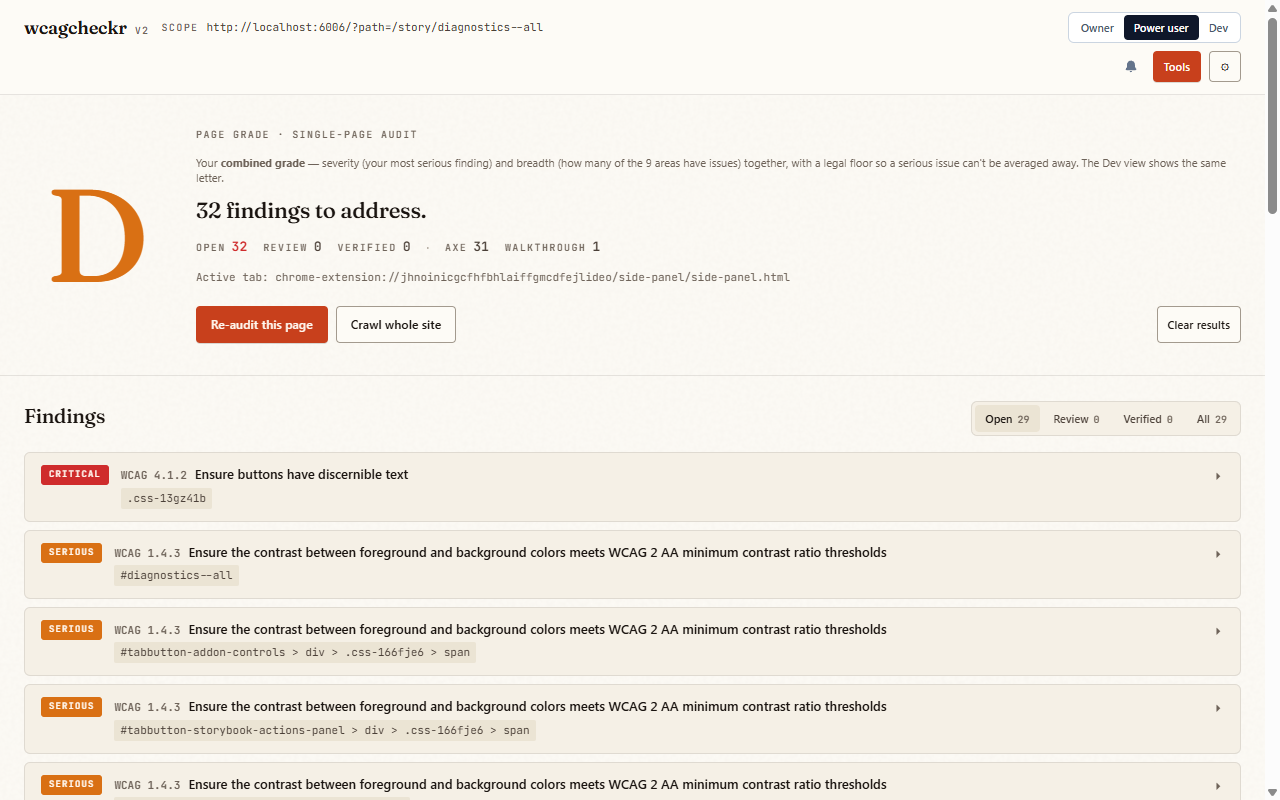
Power workflow (one screen)
The streamlined view: the combined grade up top, every finding below with inline fix/verify actions, and one button to grab the AI fixer prompt and hand it off. Same grade as the Dev view and every export.
Feature tutorials
What a paid plan unlocks: the multi-state matrix, whole-site crawls, AI-assisted checks, compliance & legal documents, forensic anchoring, and the pro integrations.
The streamlined view: the combined grade up top, every finding below with inline fix/verify actions, and one button to grab the AI fixer prompt and hand it off. Same grade as the Dev view and every export.
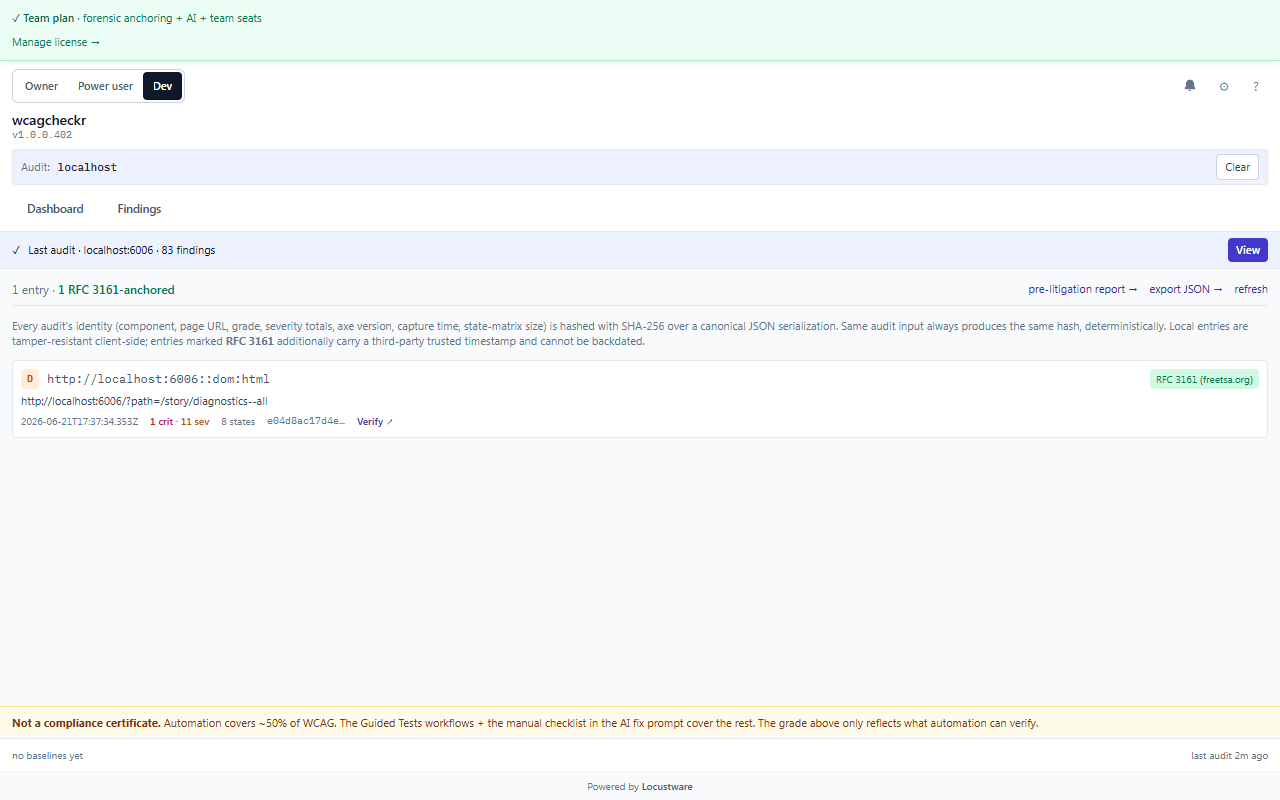
The core moat: drive the component through hover, focus, focus-visible, active, disabled, ARIA states, light / dark / forced-colors, LTR / RTL, and breakpoints — running axe-core at every combination. Catches issues that only surface in a specific state, which single-pass scanners never see.
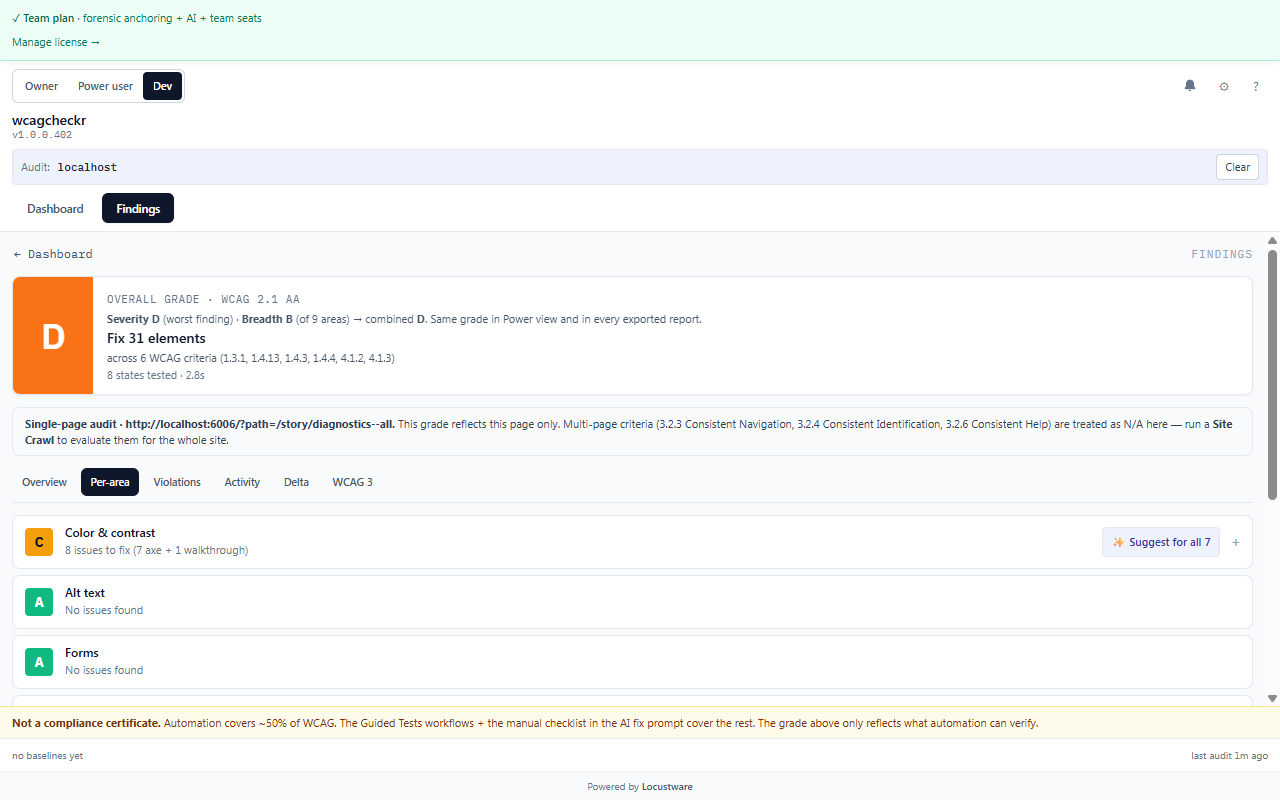
The 9 verification areas (Color & contrast, Keyboard, Forms, Screen-reader/ARIA, Reading order, and more) each with its own sub-grade and drill-in to the underlying findings.
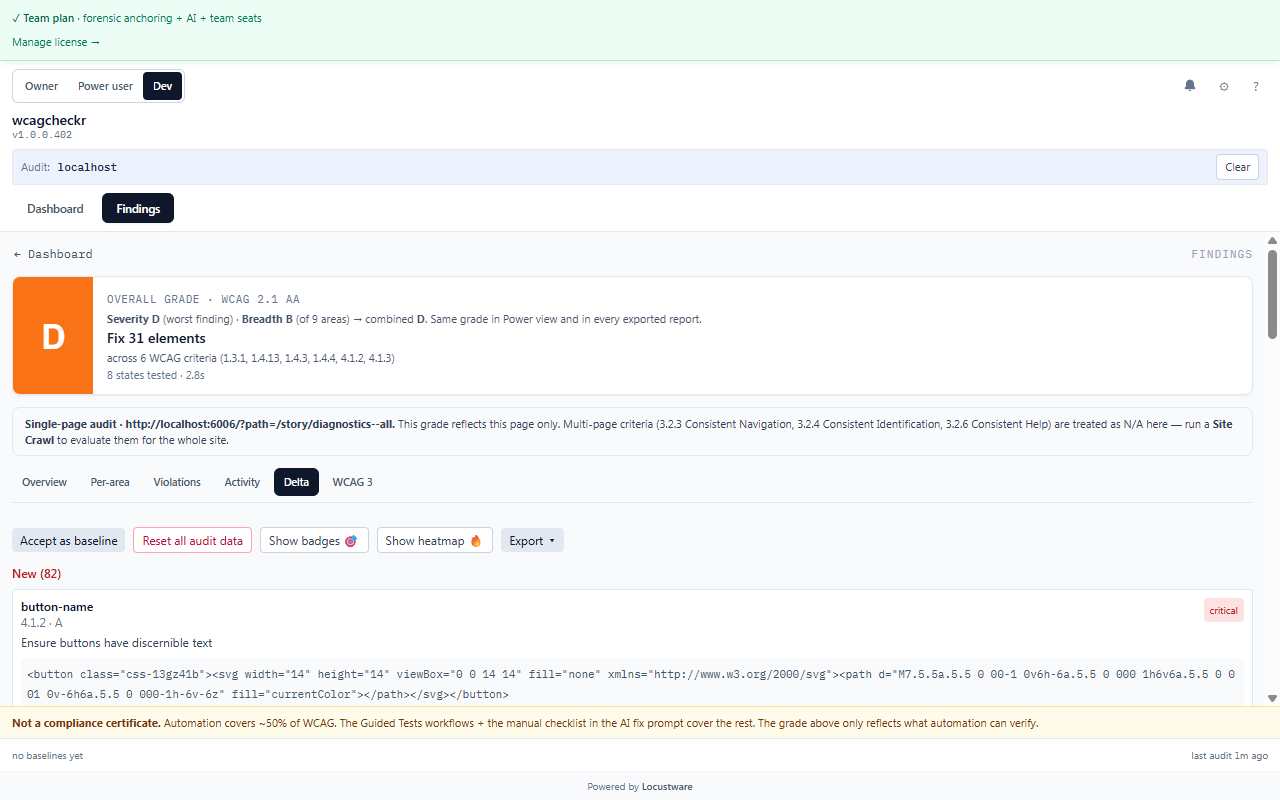
New vs. persistent vs. fixed vs. acknowledged since your last accepted baseline — so you focus on what changed instead of re-reading inherited debt. This is the inherited-debt-aware reporting layer.
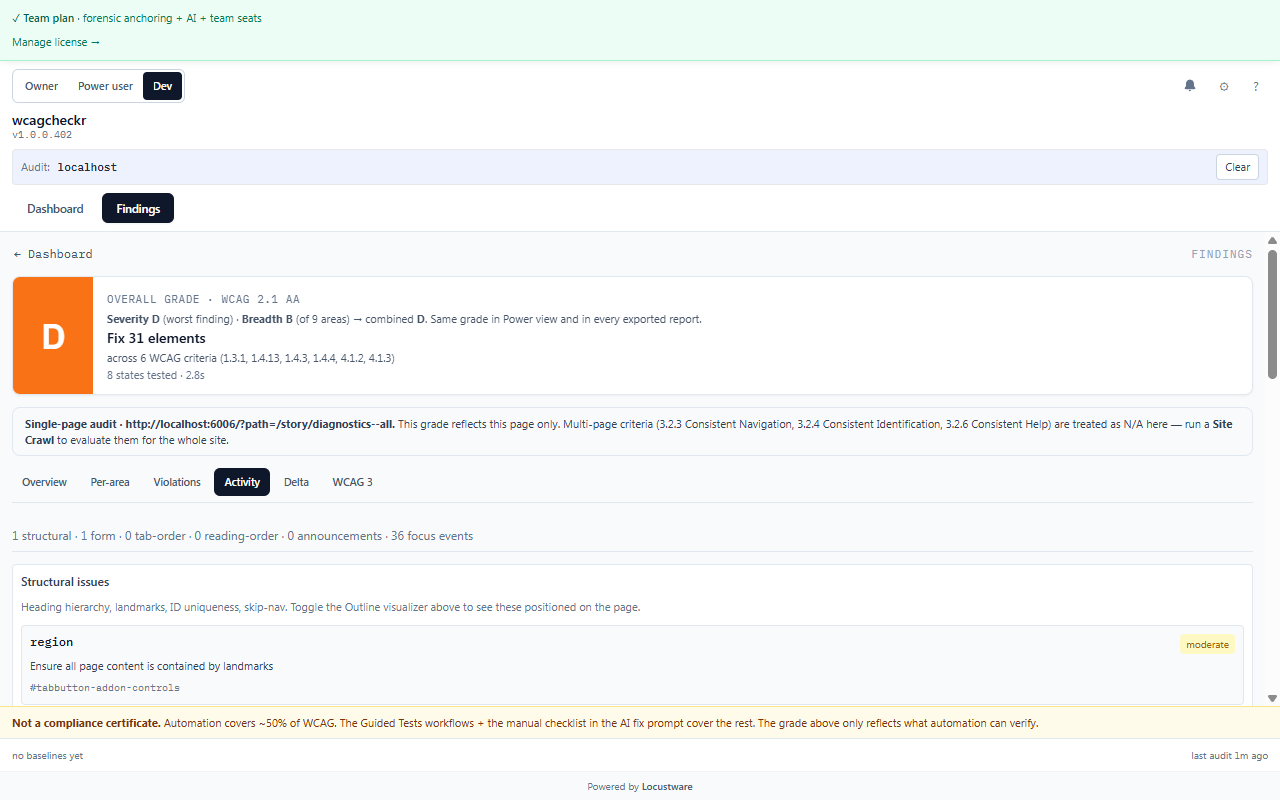
Live-region announcements, focus events, and tab / reading order captured during the audit — the dynamic behavior a static DOM scan can’t observe.
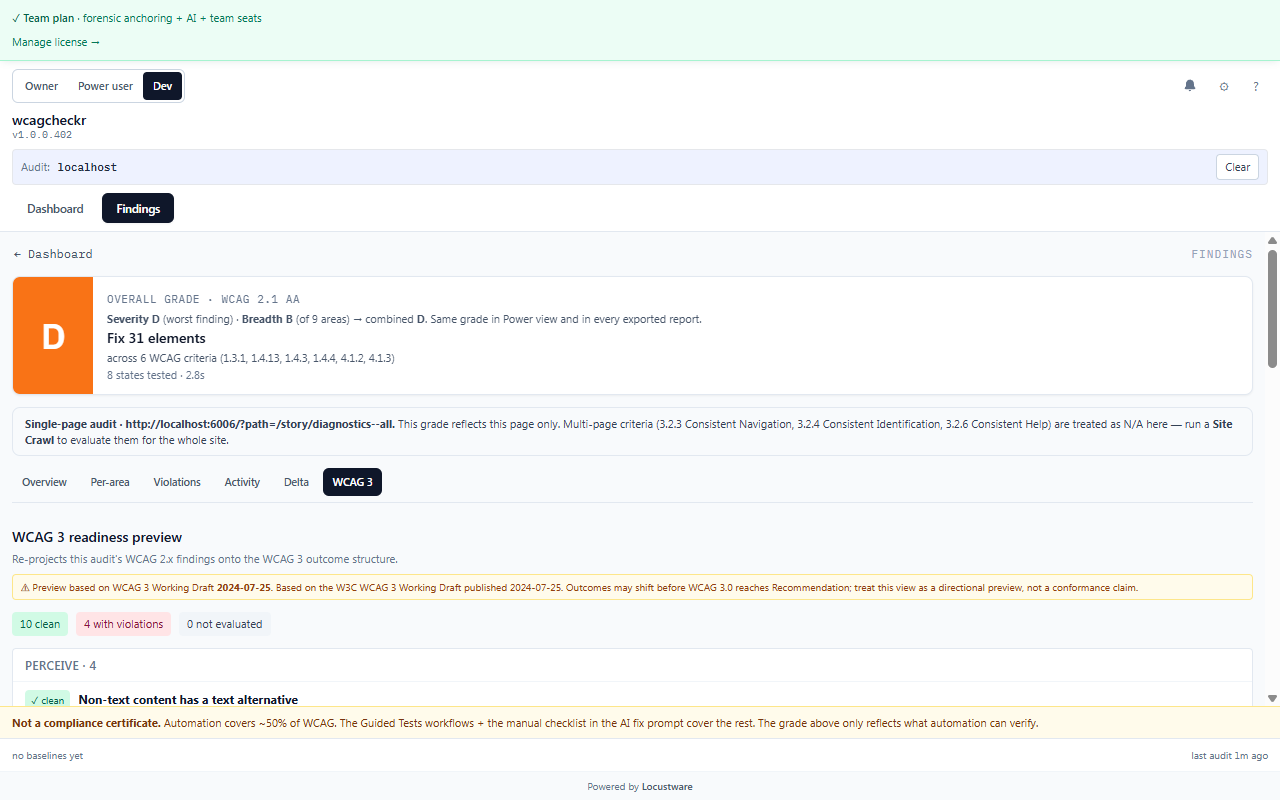
A forward-looking projection of your WCAG 2.x findings onto the draft WCAG 3 outcome map, so you can see where you’d stand under the next standard.
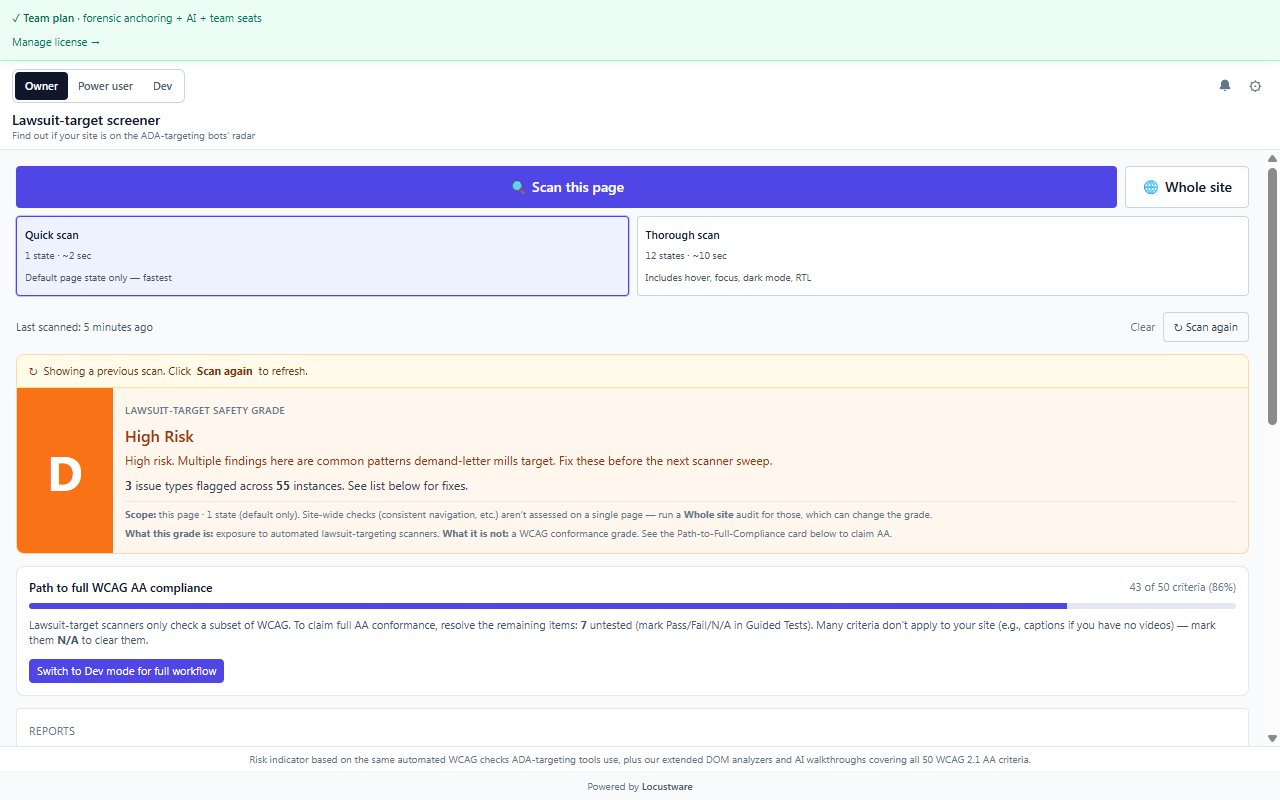
The owner lens: is your site on the ADA demand-letter bots’ radar? A lawsuit-risk grade derived from the same checks automated targeting tools run, plus a clear path to full WCAG AA conformance.
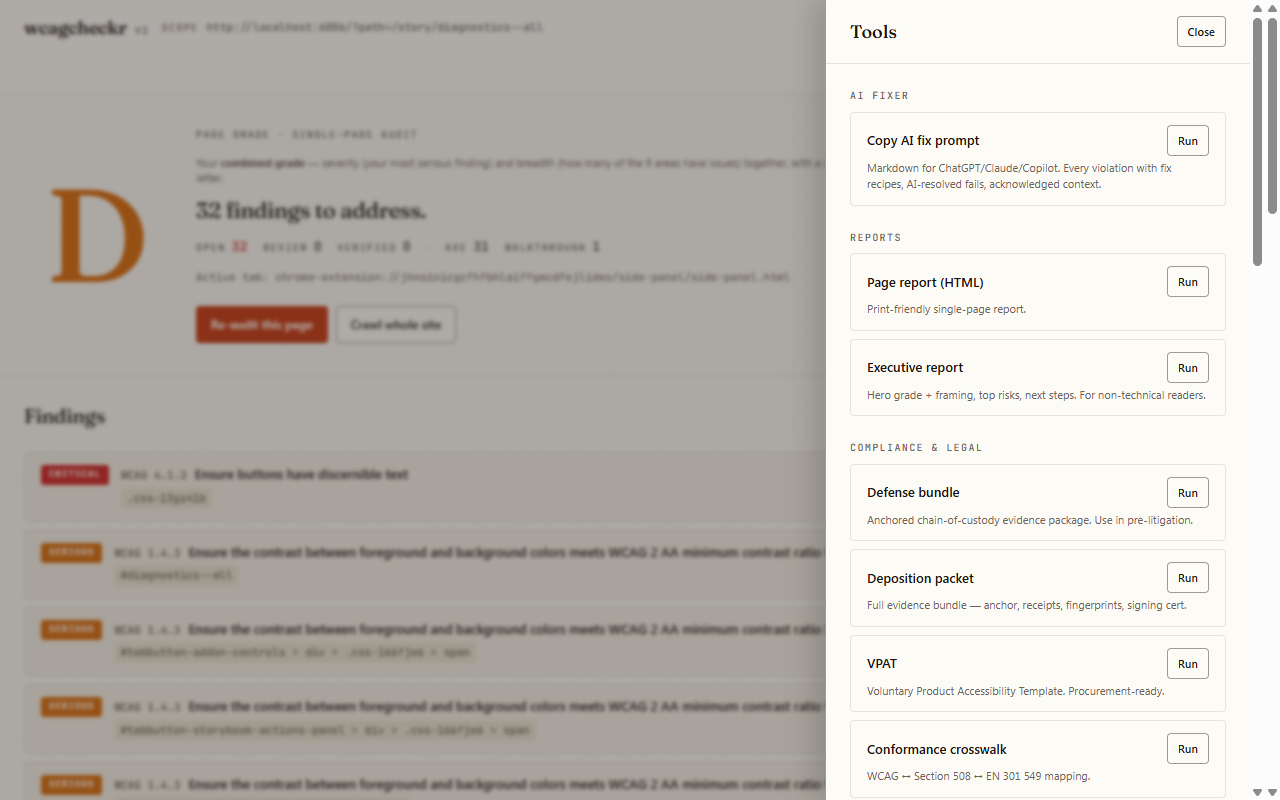
Every report in one place: VPAT, WCAG-EM conformance report, accessibility statement (EAA / WAD), conformance crosswalk, methodology doc, executive report, ticket bundle, defense bundle, deposition packet, and evidence bundle — individually or all as a ZIP.
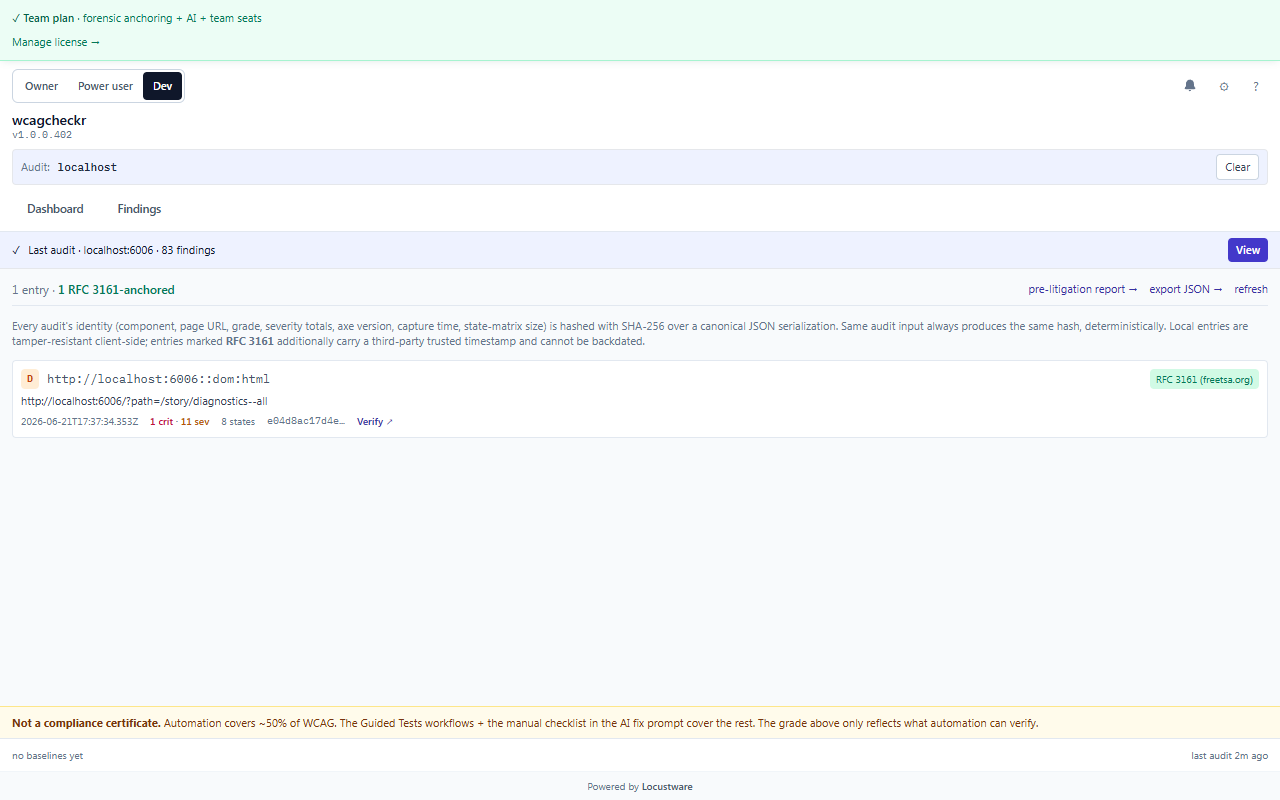
An append-only, SHA-256 hash-chained history of every audit. Each entry can be anchored with an RFC 3161 trusted timestamp + ed25519 server signature — court-grade, third-party-verifiable chain-of-custody for your remediation effort.
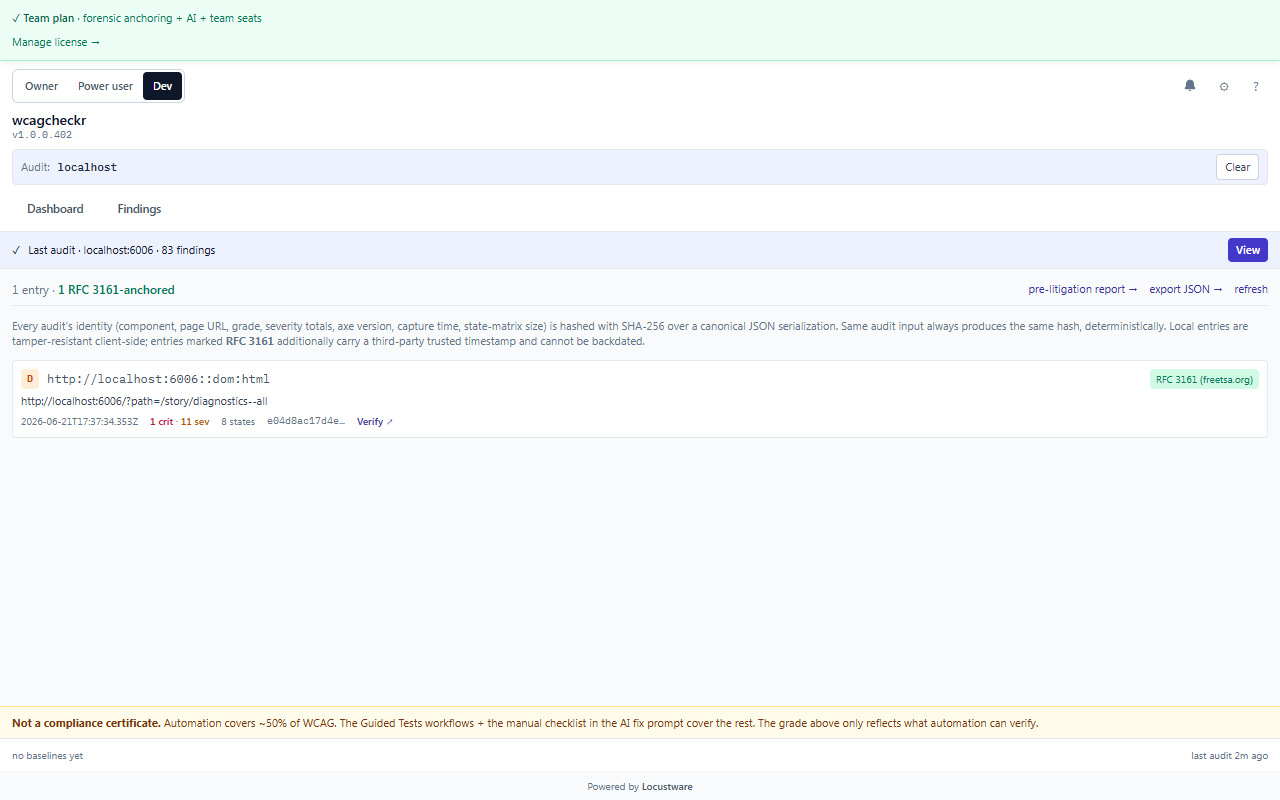
Aggregate posture across your audits: lawsuit / conformance risk tiers, most-exposed pages, recent activity, a 30-day trend, and prioritized action items.
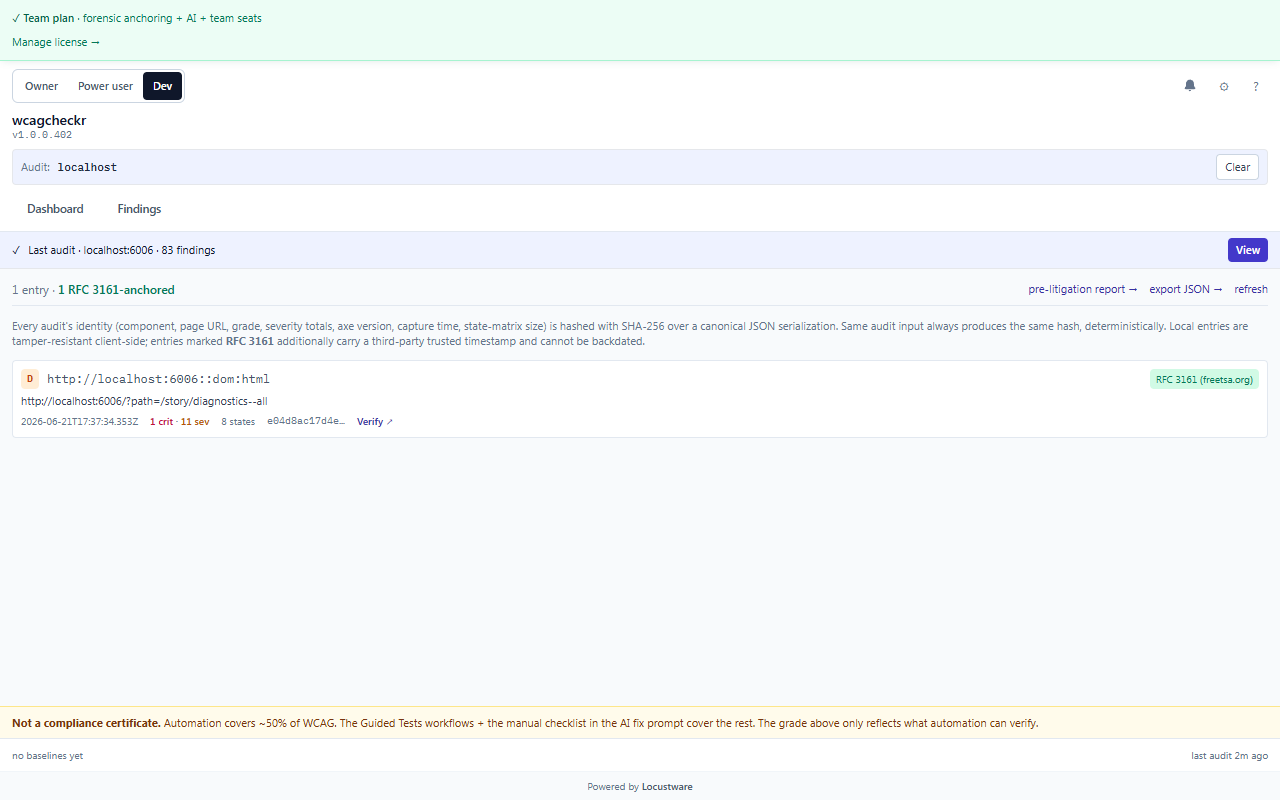
The formal W3C WCAG-EM per-criterion verdict map and conformance-level computation — the methodology auditors and expert witnesses expect.
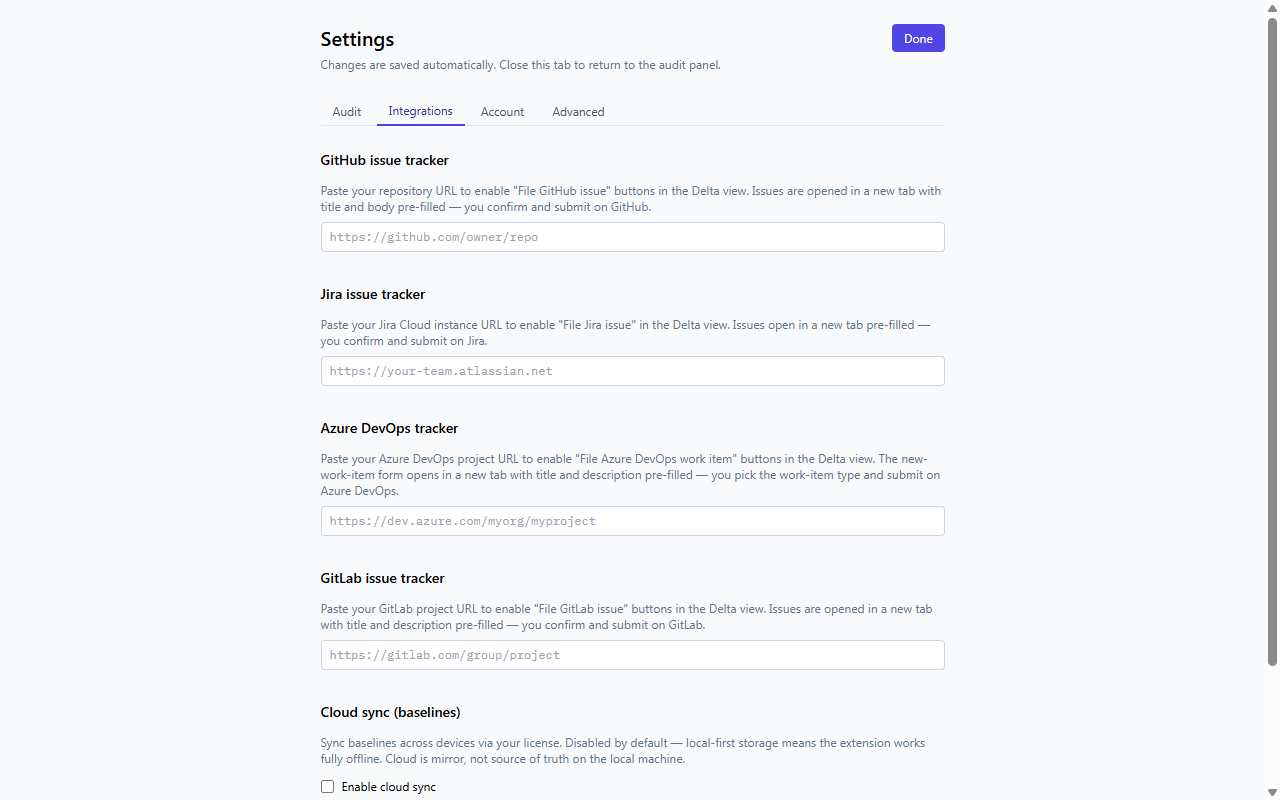
Cloud-sync your baselines across devices, and file issues straight into GitHub, GitLab, Jira, or Azure DevOps from a finding.
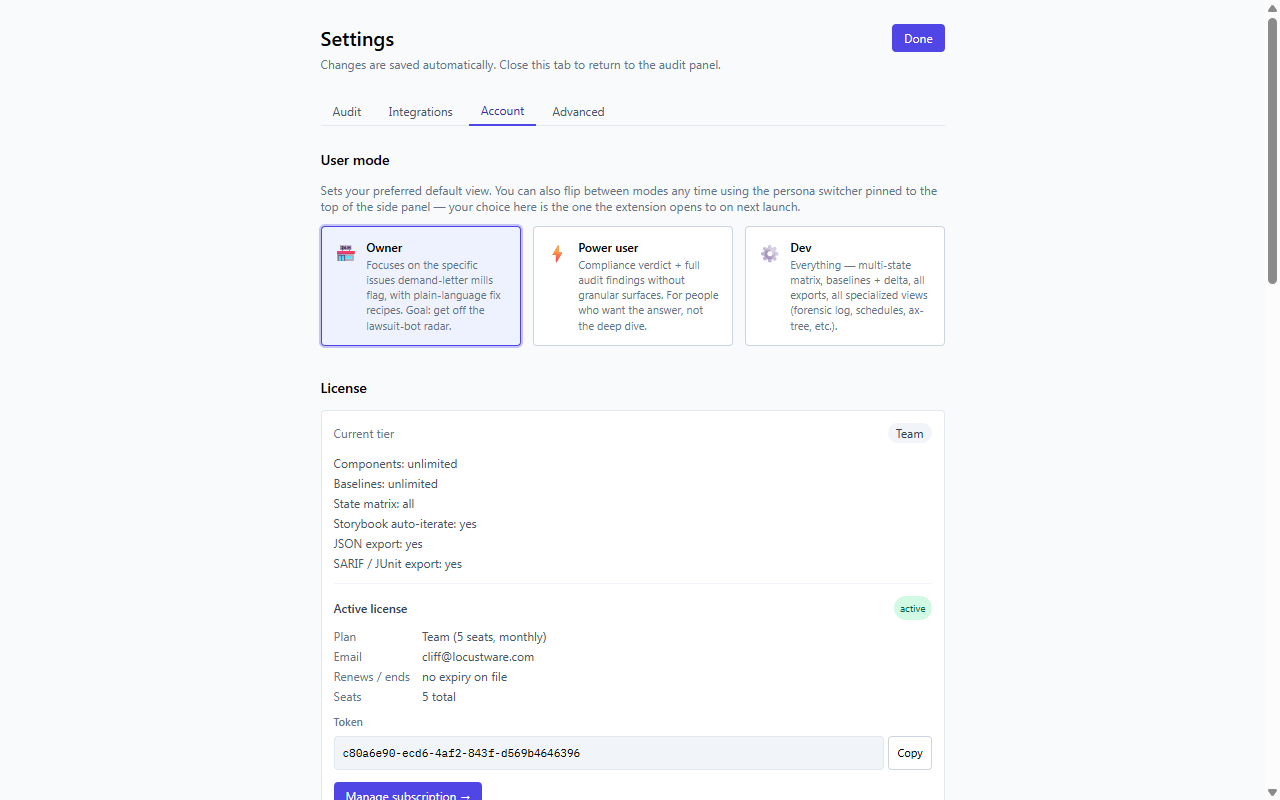
Manage your license, team seats, and persona (Owner / Power user / Dev).
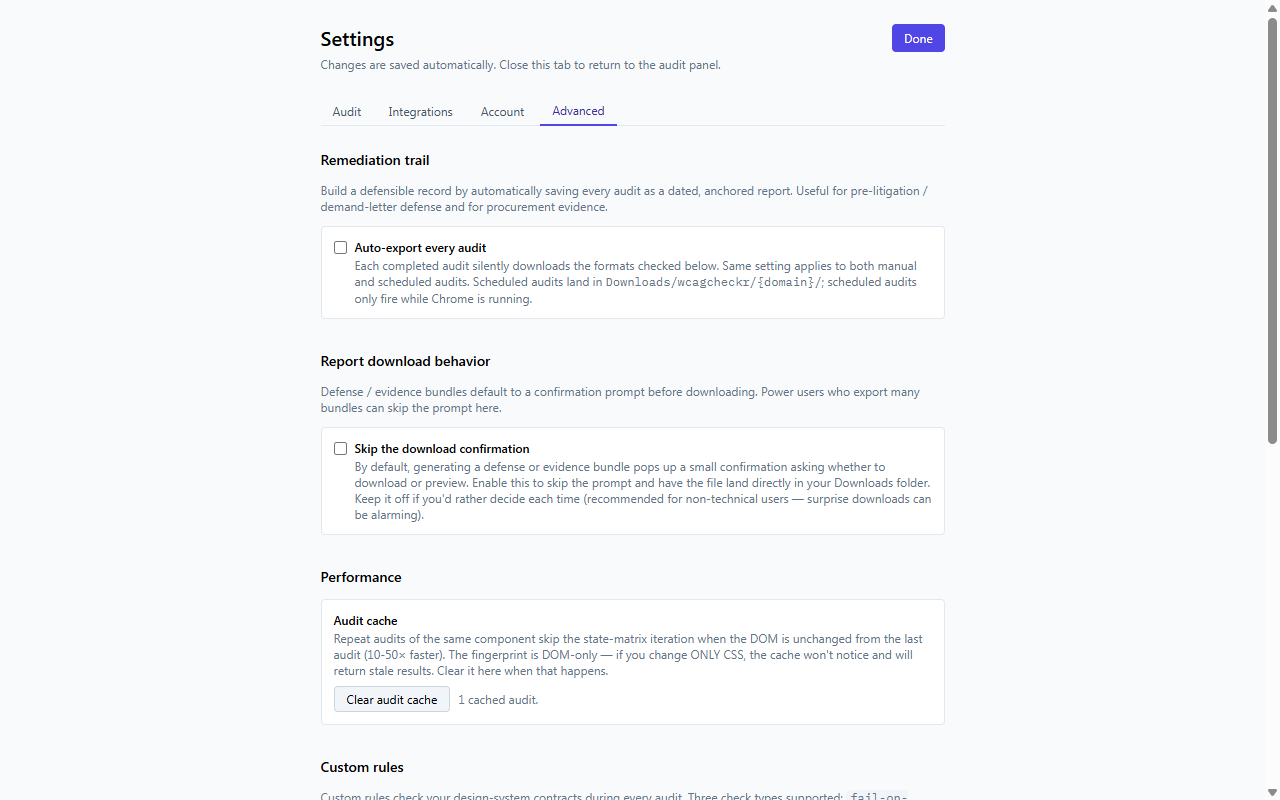
Author custom axe rules, control the audit cache, and tune audit-pipeline reliability.
Whole-site crawl with cross-page consistency checks · per-component scorecards · AI-assisted checks (alt-text quality, heading clarity, reading order, focus order, keyboard traps, non-text contrast) · AI Copilot chat grounded on your results · AI color-contrast fix suggestions · PDF accessibility audit · 8 visual overlays · flow recorder · Intelligent Guided Tests · AX-tree viewer · design-system token audit · scheduled audits with email/webhook alerts · a public status badge · and CLI / MCP / VS Code integrations.
There’s no checkout here. Install free, run it on your real pages, and upgrade in-app when the evidence is worth it.